.webp) gamegeniush5.com
gamegeniush5.comVRChat Guide: Best Tips for Exploring Worlds, Meeting People, and Customizing Your Avatar
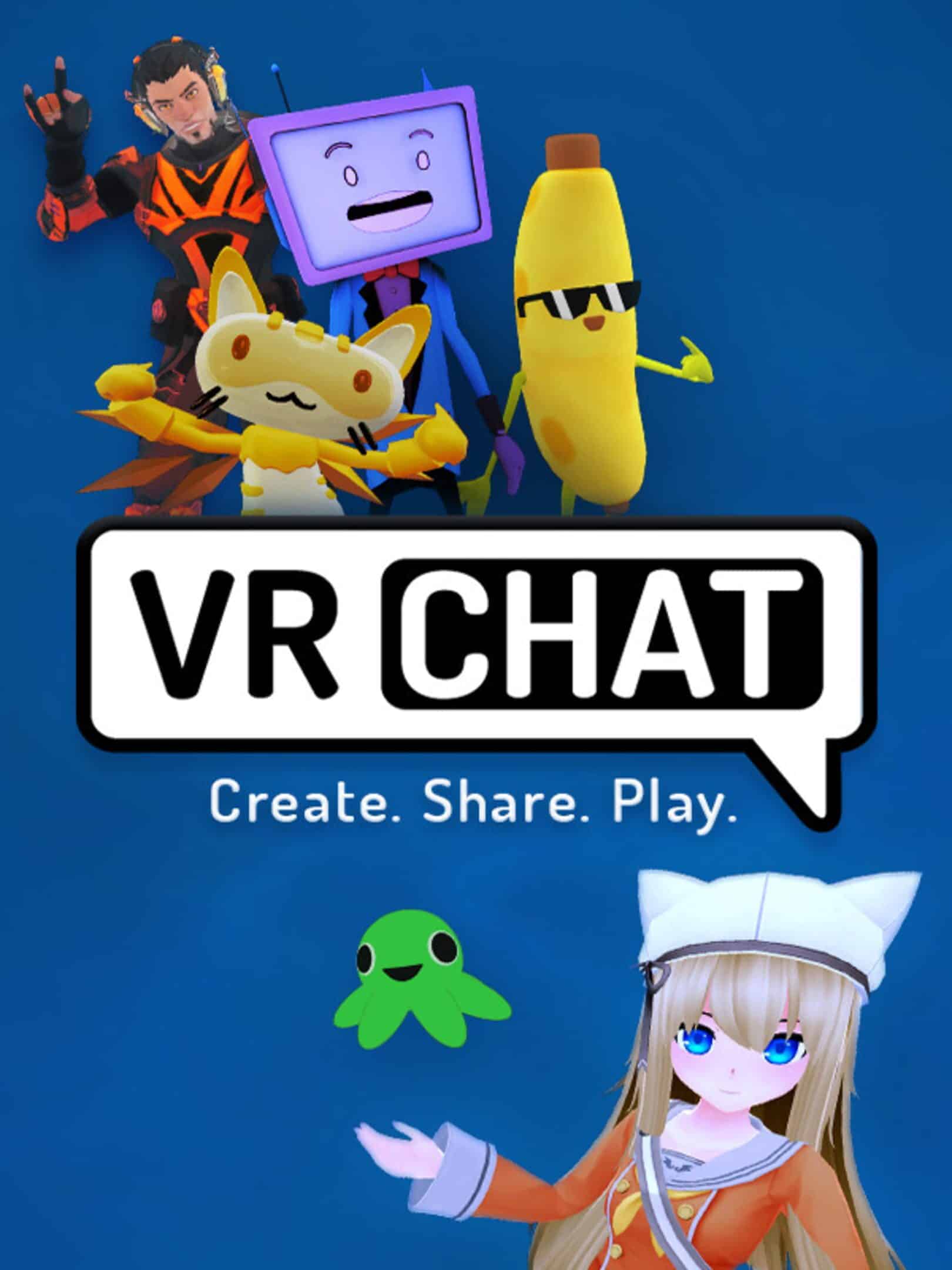
VRChat is a social virtual reality platform where players can explore user-created environments, interact with people from around the world, customize their avatars, and participate in a wide variety of activities. Unlike traditional games built around a fixed story or a single objective, VRChat offers an open-ended experience shaped largely by its community. Every world can provide a different atmosphere, from relaxing social spaces and creative showcases to competitive minigames and immersive adventures.
One of the platform's biggest strengths is its flexibility. Players can use VR headsets or access VRChat through supported desktop and mobile experiences, depending on device compatibility. They can choose from thousands of community-created worlds, express themselves through customizable avatars, and communicate using voice, gestures, and in-world interactions.
For newcomers, however, the number of available worlds and social features can make the platform feel overwhelming. Knowing how to find suitable environments, choose an avatar, manage conversations, and use basic navigation tools can make the experience much more enjoyable. This guide covers ten practical tips to help you get started and make the most of VRChat.
1. Understand How VRChat Works
VRChat is primarily a social platform rather than a conventional game with a fixed progression system. Players create or select avatars, enter virtual worlds, and interact with other users. Each world may offer different activities, rules, and social opportunities, so the experience can change significantly depending on where you visit.
Some environments are designed for casual conversations, while others focus on games, music, exploration, roleplay, or creative experiences. You are not required to follow a particular sequence of objectives. Instead, you can choose what interests you and move between worlds whenever you want.
This open structure makes VRChat suitable for different types of players. Someone looking for a quiet environment can visit a relaxing world, while another player might prefer a busy social hub or an interactive multiplayer activity.
Explore at Your Own Pace
Start by understanding the basic interface and learning how to move between worlds. You do not need to visit popular destinations immediately or participate in every activity.
Take time to discover which environments match your interests. Once you become familiar with the platform, finding enjoyable experiences becomes much easier.
2. Choose an Avatar That Represents You
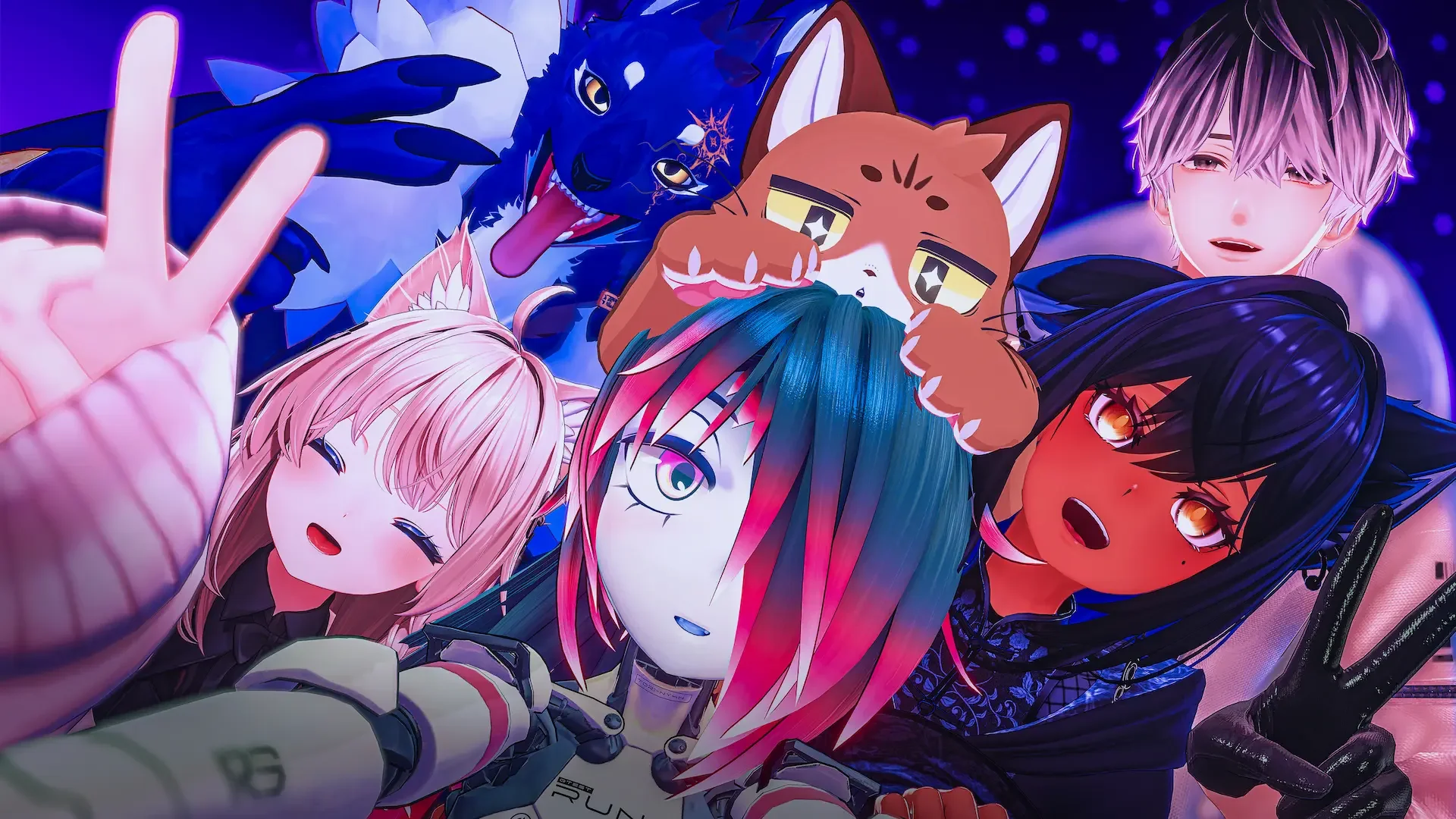
Avatars are one of the most recognizable features of VRChat. They determine how other players see you and provide a way to express your personality inside virtual environments.
The platform offers a wide variety of avatar styles, including realistic characters, anime-inspired designs, animals, robots, fantasy creatures, and humorous creations. Some avatars are simple and lightweight, while others include detailed animations, customizable features, and interactive effects.
When selecting an avatar, consider both appearance and usability. A visually impressive model may contain complex effects or performance-heavy features that do not work well on every device. Choosing an avatar that is compatible with the platform and comfortable to use can improve your experience.
Experiment With Different Styles
You do not need to settle on one avatar permanently. Try different designs and see how they look in various worlds.
Consider choosing avatars that match different activities. A casual design may work well in social spaces, while a themed character might be more appropriate for roleplay or special events.
3. Learn the Basic Controls and Movement
Understanding the controls is essential for navigating VRChat comfortably. Movement and interaction methods depend on whether you are using a VR headset, desktop mode, or a supported mobile device.
Desktop players generally use keyboard and mouse controls to move, look around, and interact with the environment. VR players use their controllers and headset tracking to move through virtual spaces and perform gestures. Mobile users rely on touchscreen controls and the interface provided by their device.
Although the control methods differ, the basic goals remain similar: navigate the environment, interact with objects, communicate with other players, and access the platform's menus.
Practice in a Quiet World
Before entering a crowded social environment, spend some time practicing movement and basic interactions in a less populated world.
Learn how to open menus, change avatars, interact with objects, and return to the world selection interface. Becoming comfortable with these actions reduces confusion when you join more active environments.
4. Discover Interesting Worlds
World exploration is one of the most important parts of VRChat. Community creators build environments with different themes, mechanics, and purposes, giving players an enormous variety of places to visit.
Some worlds focus on social interaction, offering comfortable spaces where people can talk and meet new friends. Others feature scenic landscapes, puzzle experiences, obstacle courses, multiplayer games, or detailed recreations of fictional locations.
Instead of visiting only the most popular destinations, explore different categories. Smaller worlds may provide interesting experiences with fewer distractions, while larger social hubs can introduce you to more active communities.
Use World Discovery Features
Explore the platform's world discovery interface to find environments that match your interests. Pay attention to descriptions, screenshots, tags, and other available information before joining.
You can also save interesting worlds to revisit later. Building a personal collection of favorite destinations makes it easier to find enjoyable places without searching from the beginning every time you play.

5. Meet New People and Communicate Respectfully
Social interaction is at the heart of VRChat. Players can meet people from different countries, share interests, participate in conversations, and build friendships through repeated interactions.
However, joining a social environment does not mean every player will immediately want to talk. Some people may be having private conversations, exploring independently, or participating in a specific activity. Approaching others politely helps create a more comfortable environment for everyone.
A simple greeting or friendly question is often enough to begin a conversation. Pay attention to how other players respond and avoid interrupting interactions that are already taking place.
Respect Personal Boundaries
Not everyone has the same preferences regarding voice chat, proximity, or avatar interactions. Give other players space and respect their requests.
If someone does not want to communicate, move on rather than repeatedly trying to get their attention. Positive social experiences depend on mutual respect and clear boundaries.
6. Join Games and Interactive Activities
VRChat is not limited to conversations and virtual hangouts. Many community-created worlds include interactive activities that allow players to compete, cooperate, or experiment with different mechanics.
You can discover environments featuring obstacle courses, escape rooms, party games, racing challenges, sports, and other multiplayer activities. These experiences provide an alternative to traditional social spaces and can be a useful way to interact with people.
Playing an activity together can also make conversations feel more natural. Instead of searching for topics to discuss, players can focus on a shared objective and communicate as the experience develops.
Find Activities That Match Your Interests
Try different types of worlds before deciding which activities you enjoy most. Some players prefer competitive challenges, while others enjoy cooperative puzzles or casual minigames.
Check the world description and available information before joining. This helps you understand the experience and whether it is suitable for your preferred playstyle.
7. Customize Your Experience With Personal Settings
VRChat includes settings that influence how you interact with the platform. Adjusting these options can improve comfort, performance, and privacy.
For example, players may want to review audio settings, microphone behavior, graphics options, and avatar visibility preferences. These controls become particularly important in crowded worlds where numerous avatars and effects can affect performance.
Privacy and interaction settings are also worth understanding. Depending on the available options, you can manage who can interact with you, how certain user content is displayed, and how comfortable you feel in public environments.
Prioritize Comfort and Performance
If a world runs slowly or becomes visually overwhelming, consider adjusting your settings or choosing a less demanding environment.
Players using VR equipment should also pay attention to physical comfort. Take breaks when necessary and avoid continuing an experience that causes discomfort.
8. Understand Avatar Compatibility and Performance
Not every avatar works equally well across all devices. Some models contain complex shaders, animations, particle effects, or other features that may require more processing power.
This can create performance differences between players using desktop computers, VR headsets, and other supported devices. An avatar that looks impressive on one system may appear differently or be unavailable on another.
When choosing an avatar, consider whether it is compatible with your device and the environments you usually visit. Lightweight models can be particularly useful in crowded worlds where many players are visible at the same time.
Balance Appearance and Performance
A good avatar does not need to include every available visual effect. Focus on designs that look appealing while remaining practical.
If you notice performance problems, try switching to a simpler avatar or adjusting relevant visibility and performance settings. This can make busy social environments easier to navigate.

9. Learn How to Stay Safe in Public Worlds
Because VRChat is an online social platform, players should understand basic digital safety practices. Public environments can include strangers, user-generated content, and conversations that vary widely in tone and subject matter.
Avoid sharing personal information such as your home address, passwords, financial details, or other sensitive information with people you have just met. A friendly conversation does not automatically mean that someone should receive access to your private accounts or personal life.
It is also important to understand the platform's moderation and safety features. If another player behaves inappropriately, use available tools such as blocking, muting, or reporting when appropriate.
Choose Comfortable Social Environments
You do not need to remain in a world where you feel uncomfortable. Leaving an environment is a simple way to avoid unwanted interactions.
Consider spending time in communities and worlds where players communicate respectfully. A positive environment makes it easier to enjoy the platform and build meaningful friendships.
10. Build Your Own VRChat Routine
VRChat offers so many different experiences that it can be difficult to decide what to do each time you enter the platform. Creating a simple routine can help you discover more worlds without making the experience feel repetitive.
You might begin with a favorite social world, visit a new environment, and finish with a multiplayer activity. Alternatively, you can focus on avatar customization, attend community events, or explore worlds created by developers whose work you enjoy.
The important thing is to avoid limiting yourself to one type of experience. VRChat is constantly shaped by its community, and trying different environments can reveal activities you would not have discovered otherwise.
Keep Exploring New Experiences
Save worlds that you enjoy and revisit them when you want a familiar environment. At the same time, occasionally search for new destinations and community activities.
If you play with friends, take turns choosing where to go. This gives everyone an opportunity to introduce new experiences and keeps your sessions varied.
Conclusion
VRChat is a flexible social platform that combines virtual exploration, avatar customization, community interaction, and user-created activities. Its open-ended structure allows players to create their own experiences instead of following a fixed campaign or progression system.
To get started, learn the basic controls, choose an avatar that suits your preferences, and explore different worlds. Communicate respectfully, experiment with interactive activities, and adjust your settings to maintain a comfortable experience. Understanding avatar compatibility and online safety will also help you avoid common problems.
Most importantly, remain curious. Every world offers a different atmosphere, and every community can provide new opportunities to meet people or discover something interesting. By exploring at your own pace and respecting other players, you can make VRChat an enjoyable place to socialize, play, and express yourself.